
Getting three friends into the same multiplayer game shouldn’t take a 40 GB download, three launcher logins, and twenty minutes of troubleshooting. We built Bored Ants around a simpler rule: open a link, pick an ant, and start hauling together in ten seconds.
1. Private Invite Links—Zero Strangers, Zero Signup Wall
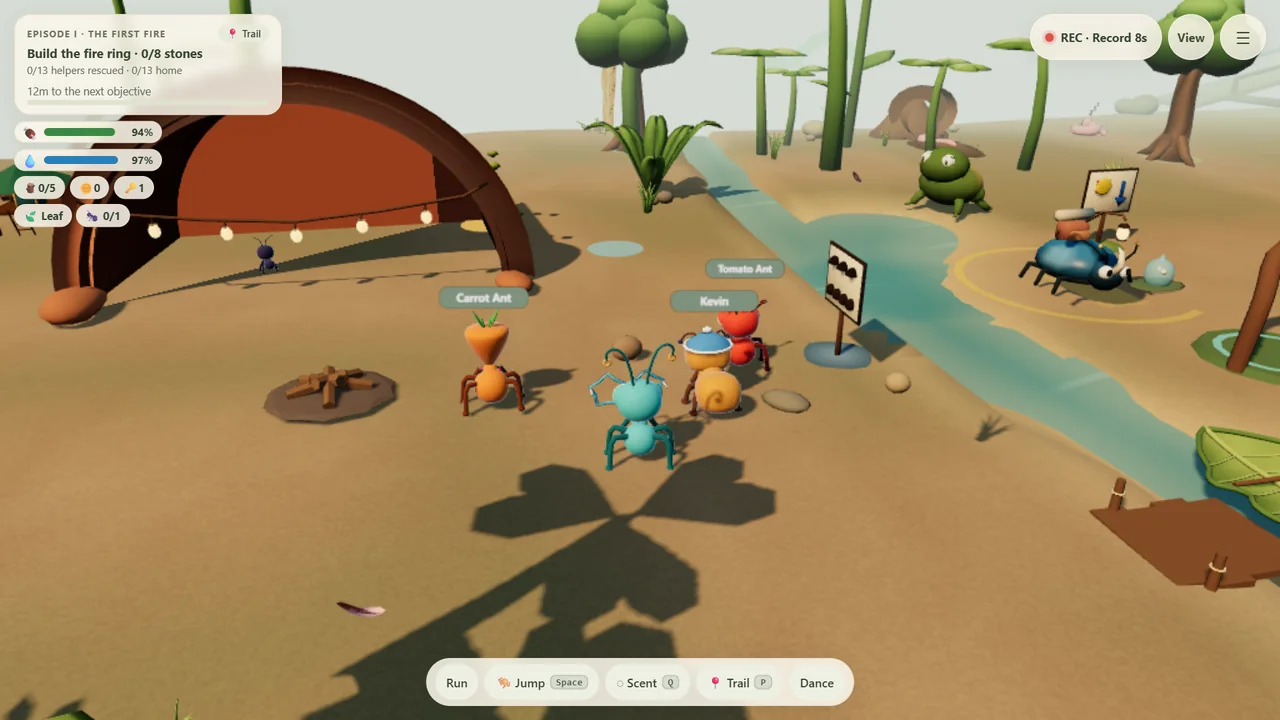
Every shared garden in Bored Ants is private and invite-only. There is no public matchmaking with strangers and no mandatory account screen blocking your friends. Tap Start with friends, copy the private invite link from the menu, and drop it into WhatsApp, Discord, or text messages. Up to four players can join the same 20-minute garden session, and the host can end it for everyone at any time.
2. Phones and Laptops in the Same Garden
Half your group is on laptops; the other half is on phones on the sofa. Because Bored Ants runs in standard WebGL right inside Safari, Chrome, Edge, or Firefox, everyone lands in the exact same 3D garden:
- On desktop: Move with
WASDor tap the ground, drag to look,Spaceto jump,Eto grab or board the leaf boat,Qto drop a scent signal, andVto switch camera views or open the full garden map. - On phone: Tap Run, Jump, Scent, or the ground directly—or turn on phone-turning to steer simply by rotating your phone.
3. Talk Like an Ant (No Microphone Required)
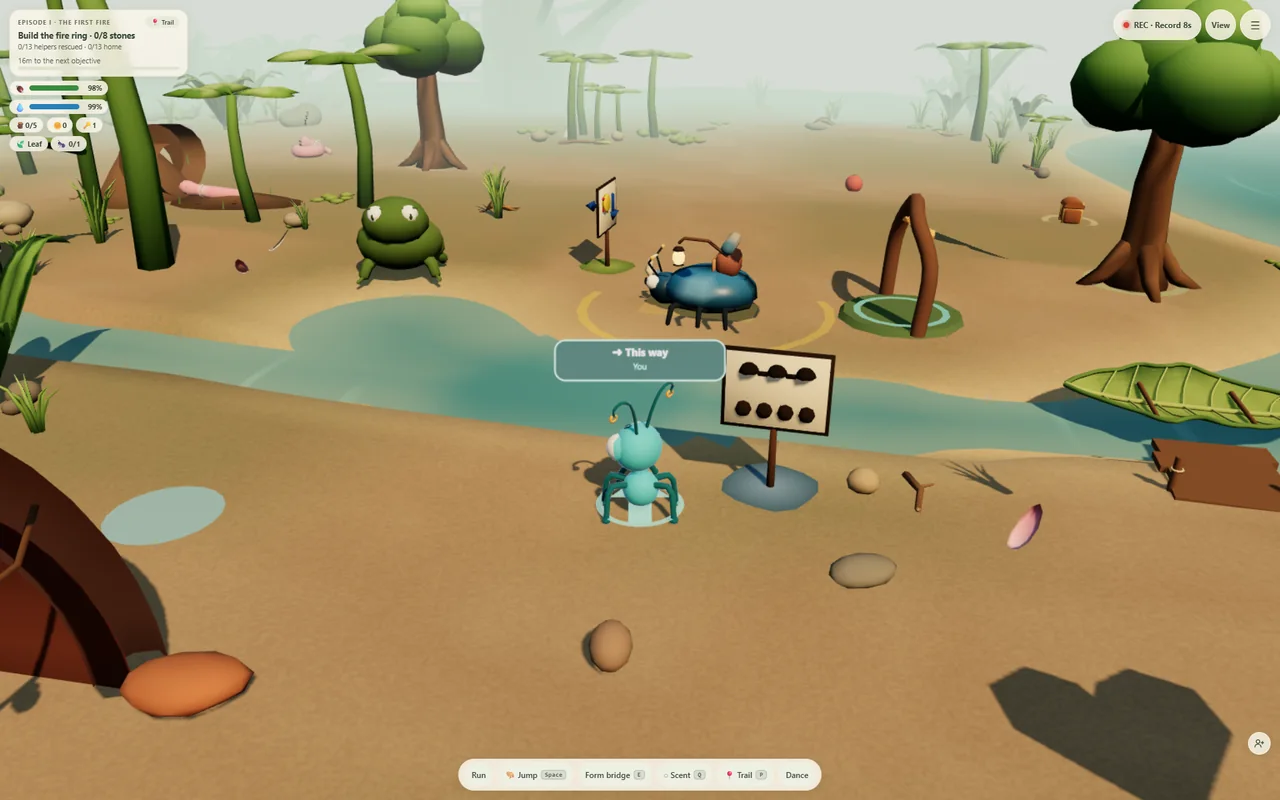
Co-op works even on a quiet train or in a shared room. Press Q (or tap Scent) to drop glowing directional cues—This way, Careful, and Wait here—that every friend sees in 3D, even while your antennae are busy carrying a heavy stone or a giant bottlecap.
4. Optional Voice That Respects Your Privacy
If your crew does want voice, Bored Ants offers two privacy-first options:
- 21 on-device voice commands: Words like walk, run, jump, grab, dig, chop, and dance are recognized locally inside your own browser—your audio is never uploaded for command recognition.
- Optional spatial party voice: Only connects when a second friend joins your private room, runs over our self-hosted LiveKit server, and is never recorded, archived, or used to train AI.
Capture your favorite chaos locally: Tap REC · Record 8s in the top-right corner to save a quick 8-second portrait clip right on your device, or save your crew’s PNG expedition postcard at the end of an episode—never uploaded unless you choose to share it.
Try a 20-minute crew heist tonight
Open the garden, send a friend one link, and see if you can light the First Fire together.